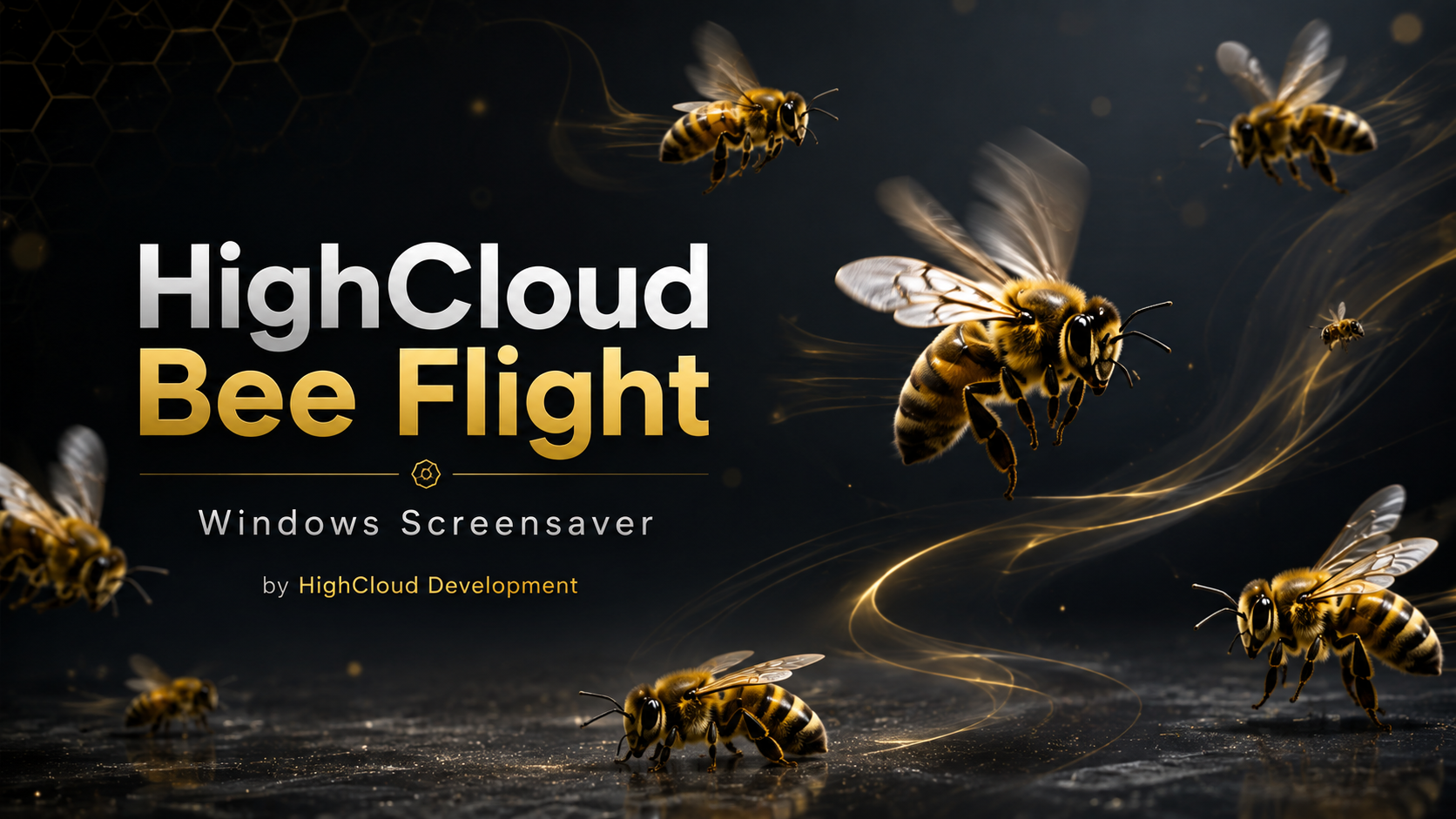
HighCloud Bee Flight — Windows Screensaver | HighCloud Development
Windows Screensaver • Version 0.12.2

HighCloud Bee Flight

Turn your Windows desktop into a living bee playground. Bees fly in from the edges, flap their wings, land, wander and crawl across the screen—now with optional honey trails, image-reveal effects, user-managed backgrounds and adjustable mouse interaction.

Windows Self Installer Transparent Mode Honey Trail Image Reveal Custom Backgrounds
HighCloud Bee Flight Windows Screensaver promotional artwork

More than bees sliding across a screen.

Bee Flight combines animated bee behavior with customizable backgrounds, trail effects and interaction controls so the screensaver can stay subtle—or get gloriously out of hand.

Fly, land and wander

Bees enter from different screen edges, fly into position, land, then transition into slower crawling and wandering behavior.

Visible wing animation

Animated sprite frames and a dedicated wing-flap pass make the bees visibly flap instead of simply drifting across the screen.

🖱

Optional mouse reaction

Choose whether touching a bee with the cursor makes it spin, fall and disappear—or turn that reaction off and leave the bees alone.

🍯

Honey Trail

Bees can leave a light, translucent golden honey trail close to their path. The honey builds up as they move and can gradually cover the screen.

Image Reveal

Instead of painting honey, crawling bee trails can gradually reveal a selected image underneath until the screen is uncovered along their paths.

Transparent mode

Keep the live Windows desktop and open windows visible while the bees move across the top of the screen.

Background mode

Use a selected image behind the bees and display it using Fill, Fit, Stretch or Center modes.

Your saved image library

Add the images you actually want to use and manage them yourself. Bee Flight no longer depends on a bundled set of preloaded backgrounds.

Extensive controls

Adjust bee count, choose from 12 speed levels, scale bees from 40% to 300%, and fine-tune trail coverage from narrow paths to broad coverage.

Version 0.12.2

More control over the bees—and what they leave behind.

The current release adds the trail and image systems, improves background management, and packages Bee Flight as a cleaner public Windows release.

Trail Effects

Choose exactly what the bees paint across the screen while they crawl.

  • Trail Effect choices: Off, Honey Trail or Image Reveal
  • Honey uses a light, transparent golden appearance
  • Trail stays close to the bee path instead of forming a large halo around the bee
  • Trail Width / Coverage can be adjusted from 18 to 160 px
  • Honey Trail can build up until the screen is covered

Image Reveal

Turn the bee paths themselves into a moving reveal effect.

  • Select an image specifically for Image Reveal
  • Use Fill, Fit, Stretch or Center display modes
  • In Transparent mode, the image begins hidden over the live desktop
  • Bee paths gradually reveal the selected image underneath
  • Image Reveal controls stay separate from the normal Background image controls

Background & Image Management

The two image systems now have distinct jobs instead of looking like duplicate background selectors.

  • Screen Appearance chooses Transparent or Background mode
  • Background mode uses the normal chosen background image
  • Image Reveal image settings only apply when Image Reveal is selected
  • Add and manage your own saved images
  • No required preloaded background collection

Mouse Behavior

The classic cursor reaction is now your choice instead of being forced on every user.

  • Toggle: “Spin and kill bee when cursor touches it”
  • When enabled, cursor contact makes the bee spin, fall and disappear
  • When disabled, moving over a bee does not kill it
  • Normal screensaver exit controls remain available

Self-Installing Windows Release

Bee Flight is packaged as a normal public-facing Windows installer rather than a pile of development files.

  • Self-installs the screensaver and required application files
  • Uses Bee Flight artwork/icons for the application and installer
  • Preserves settings and the saved image library during upgrades
  • Uninstall can remove Bee Flight and optionally clean up saved data
  • Customer-facing release text avoids internal build/test wording

Core Bee Controls

All of the original swarm controls are still here alongside the newer effects.

  • 3 to 60 bees on screen
  • 12 speed levels from Ultra Slow to Maximum
  • Bee size from 40% to 300%
  • Animated flight, landing, crawling and wing movement
  • Preview settings before saving them

Make it subtle—or completely ridiculous.

A few normal-sized bees moving slowly across a transparent desktop can stay understated. Or turn the swarm up, make the bees huge, enable honey coverage, and let them slowly paint the whole screen. Your desktop, your level of bee nonsense.

  • 3 to 60 bees on screen
  • 12 speed levels from Ultra Slow to Maximum
  • Bee size from 40% to 300%
  • Trail Effect: Off, Honey Trail or Image Reveal
  • Trail Width / Coverage from 18 to 160 px
  • Transparent desktop overlay or normal image background
  • Custom and saved images with Fill, Fit, Stretch and Center modes
  • Optional cursor-triggered spin/fall bee behavior
  • Self-installing Windows setup with uninstall support
Product HighCloud Bee Flight
Version 0.12.2
Platform Windows
Publisher HighCloud Development
Bee Count 3–60
Bee Size 40%–300%
Speed 12 Levels
Trail Modes Off / Honey / Reveal
Trail Coverage 18–160 px
Screen Appearance Transparent / Background
Image Display Fill / Fit / Stretch / Center
Install Type Self Installer
Ready to install?

Bring the bees to your desktop.

Download HighCloud Bee Flight 0.12.2 for Windows from HighCloud Development.

⬇ Download for Windows